Designing Clearer Status Visibility for Team Collaboration
Enhancing team awareness with intuitive, actionable availability indicators.
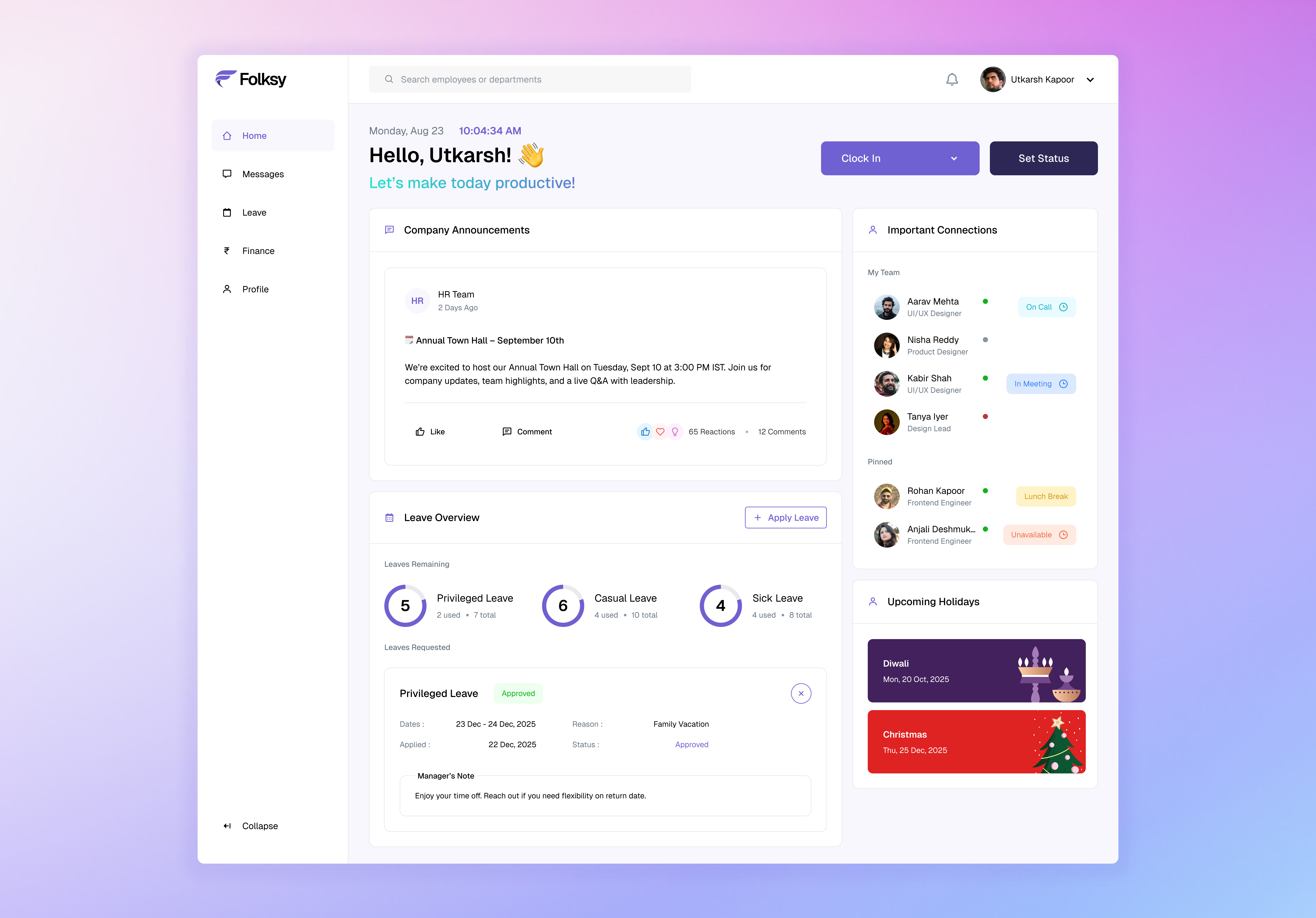
overview
Checking if a colleague is free often feels like detective work. You message them, wait, and still can’t tell if they’re heads-down, in a meeting, or away from their desk.

The lack of context in statuses turned normal work into detective work. Quick syncs became delays, and “Are you free?” ended up as the most repeated sentence in the office. I designed an employee status system to make availability clear, accurate, and actionable. The solution reduces delays in communication, cuts down unnecessary interruptions, and helps users plan quick syncs without constant back-and-forth.
The product
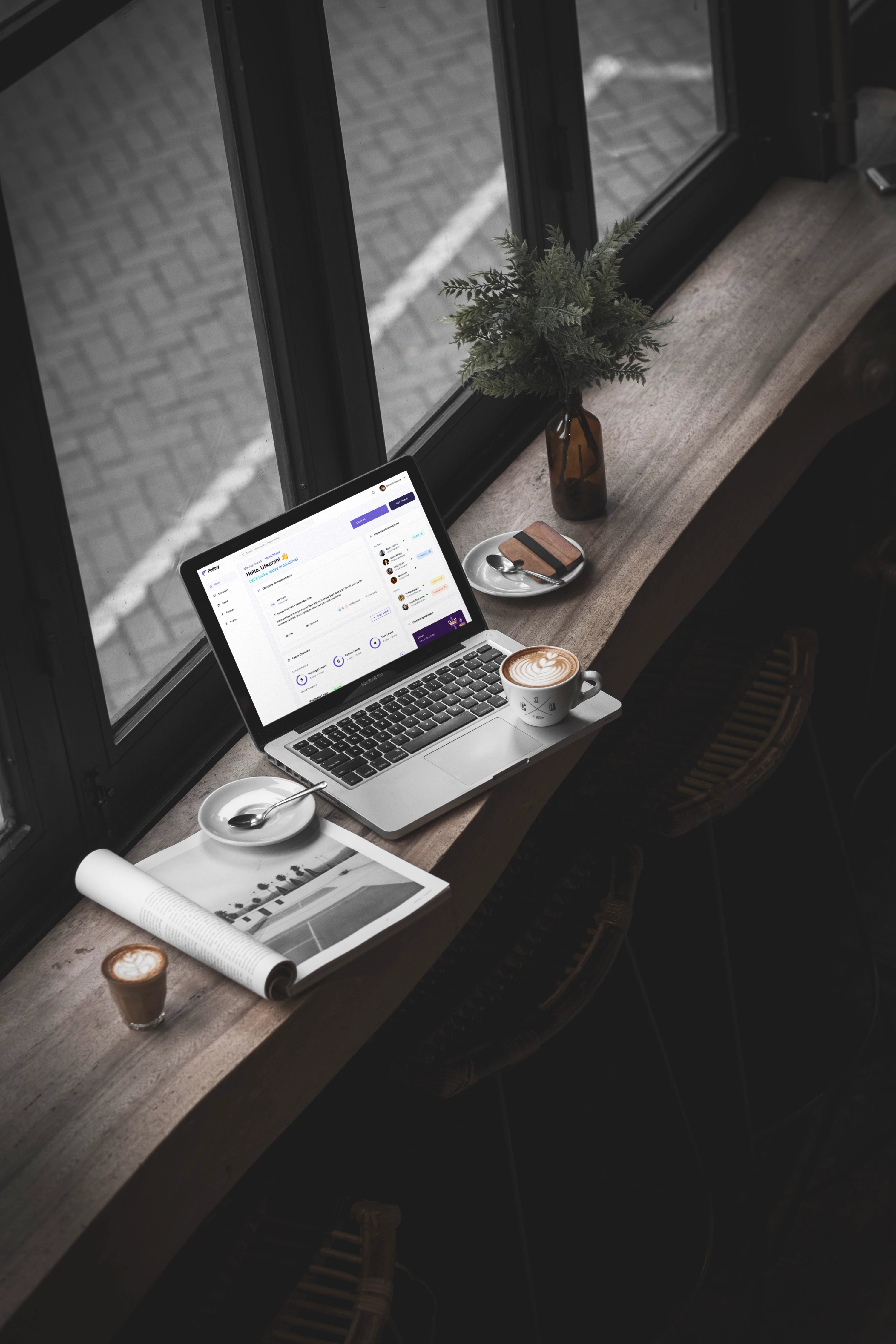
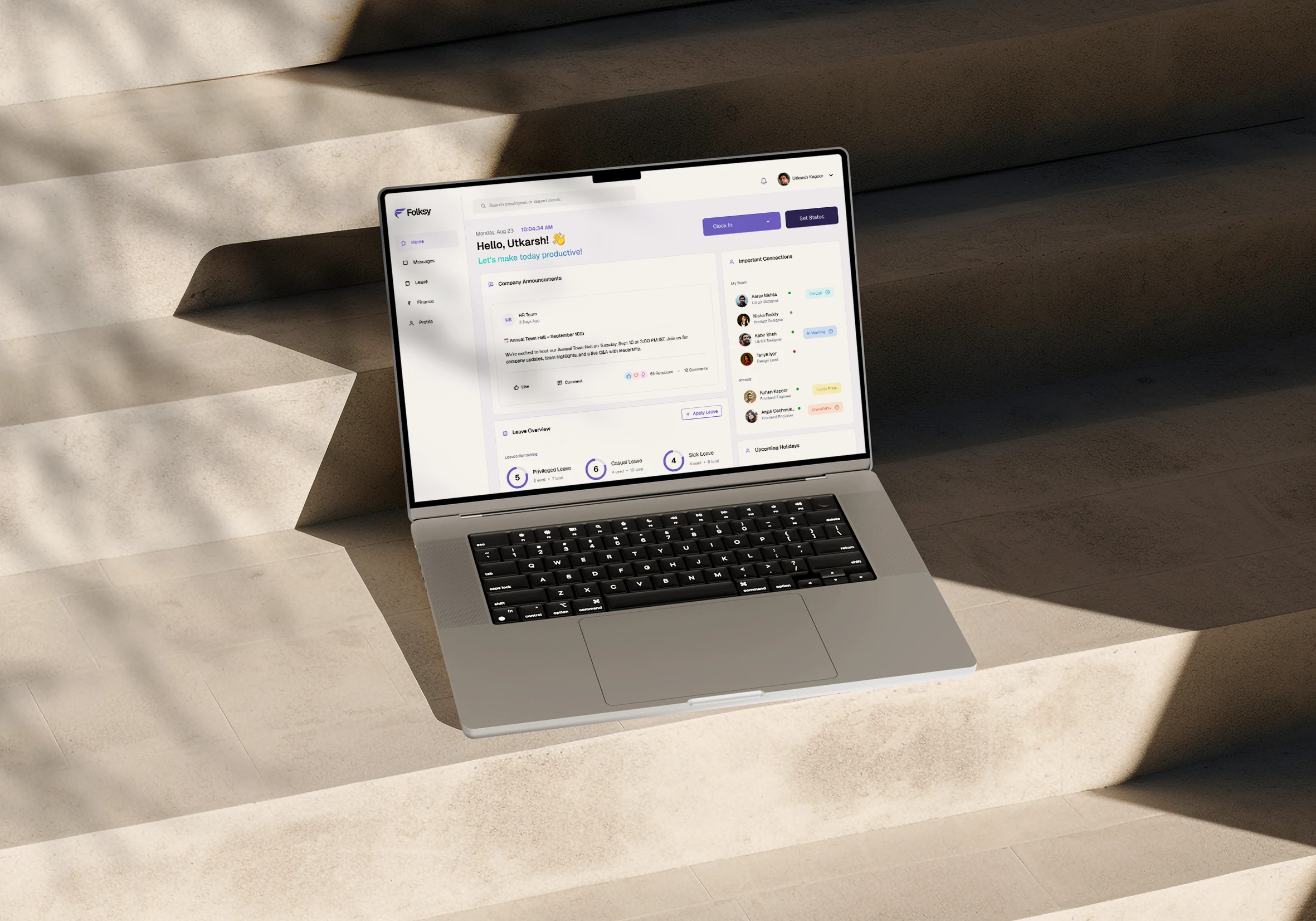
Folksy - A Smarter Way to Track Employee Availability Across Teams
A status management feature within the HRMS platform allows employees to set work modes, and share expected return times. It integrates with messaging and dashboards, providing accurate availability visibility, cross-team collaboration, and streamlined leave and status approvals.

Understanding users
Who was involved
Employees from my own workplace as well as friends and family working in other organization.
Method
Informal conversations to understand how teams track availability, communicate, and handle approvals.

Roles covered
Design, Engineering, Sales, Content, Finance etc.
Purpose
To gather diverse perspectives and identify challenges in employee availability and status visibility.
the problem
Ambiguous Statuses, Missed Approvals, and Delayed Collaboration
HRMS indicators lacked context, making it difficult to know if colleagues were actually available, busy, or away. Cross-team collaboration suffered, leading to guesswork, delays, and inefficient scheduling.
What employees shared
"…someone shows as ‘Clockedin,’ but I never know if they’re actually free or in a meeting.."
"Honestly, I usually just peek over to see if someone’s in their seat.."
"…my own team sits with me, so I usually know if they’re around, but for other teams, I have no idea until I message them"
"…had known they were working from home earlier, I could’ve set up the online meeting sooner instead of scrambling to set one up when I saw they weren’t in the office.."
Why it matters
Inefficient communication slows productivity and frustrates teams.
Without clear availability, work stalls, decisions are delayed, and overall collaboration suffers.
problem statement
How might we provide clear, actionable visibility into employee availability to streamline collaboration and reduce workflow friction?
Synthesize findings
Insights from the Employee Experience
Insights from the research were synthesized to identify recurring challenges and friction points in how employees track availability, communicate, and manage approvals.
Key pain points:
Unclear availability – Statuses didn’t clearly indicate if someone was free, busy, or away.
Limited cross-team visibility – It was easy to track immediate teammates, but knowing other teams’ availability required guesswork.
Delayed approvals – Unclear leave requests and schedules made it hard to plan work and slowed down team processes.
Inefficient scheduling – Uncertainty about work location (office vs WFH) made planning meetings cumbersome and last-minute.
Who
As someone working across teams, I’m always checking who’s available and trying to keep things moving.
When
Throughout the day, whenever I need a quick clarification or meeting
What
I want to quickly see who’s free or busy to plan my chats, syncs, and approvals better.
Why
Because without that clarity, coordination slows and small delays pile up fast.
From Insights to Solution
Smarter Clock-In
When employees clock in, they indicate whether they’re working from the office or remotely. This adds context to their availability, helping teammates plan collaboration and meetings more efficiently.
Hovering over the clock-in indicator on an employee card reveals a tooltip that shows whether the person is working from home or from the office.
Dynamic Status Updates
Employees can set a status to indicate if they’re on a call, in a meeting, on a break, or unavailable. They can choose a return time from preset options or enter a custom duration, giving teammates clear context for when they’ll be reachable.
Important Connections
My team
The dashboard includes a connections modal that shows all team members and their current statuses, giving employees immediate visibility into who’s available.
pinned members
Within the same modal, users can pin colleagues from other teams that they interact with regularly. This lets them quickly see the availability of key collaborators without searching or messaging each time.
Status-Aware Messaging
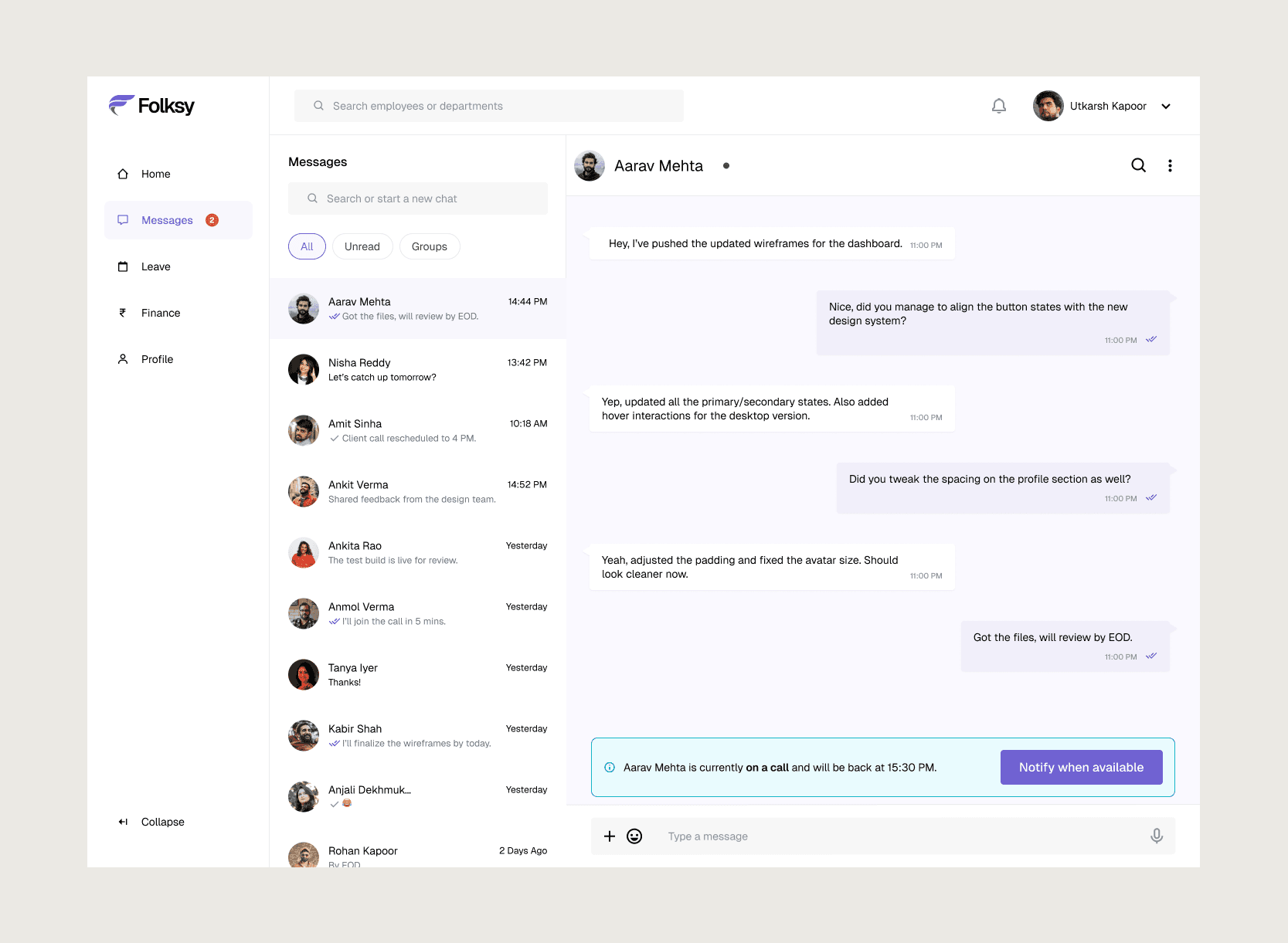
When a colleague sets a status, it appears directly in the chat window. Instead of messaging someone and waiting—uncertain if they’re free, in a meeting, or away—employees can immediately see their availability. This context reduces wasted time, prevents unnecessary follow-ups, and helps plan communication more efficiently.
The Need for “Notify When Available”
Often, messages sent to busy colleagues get overlooked or delayed because the recipient plans to respond later and then forgets. The “Notify When Available” button lets users request a notification as soon as the person becomes available. This ensures messages are seen and acted on promptly, reducing missed communication and unnecessary follow-ups.
Beyond daily status, leave requests were another source of workflow friction.
Employees often missed notifications when their leave was approved, leading to confusion, follow-ups, and stalled work. To address this, the dashboard now includes a leave status tracker, allowing employees to see all their leave requests in one place.
Once approved, they can mark them as completed, ensuring nothing slips through the cracks and keeping workflow smooth.
Key Learnings
Through this project, I learned how critical clear availability and workflow visibility are for teams. Ambiguous statuses and missed approvals create small but constant friction that slows collaboration. Designing for clarity, context, and empathy isn’t just about screens and buttons, it’s about understanding how people work and helping them coordinate more effectively. This exercise reinforced the importance of putting user behavior at the center of every design decision.